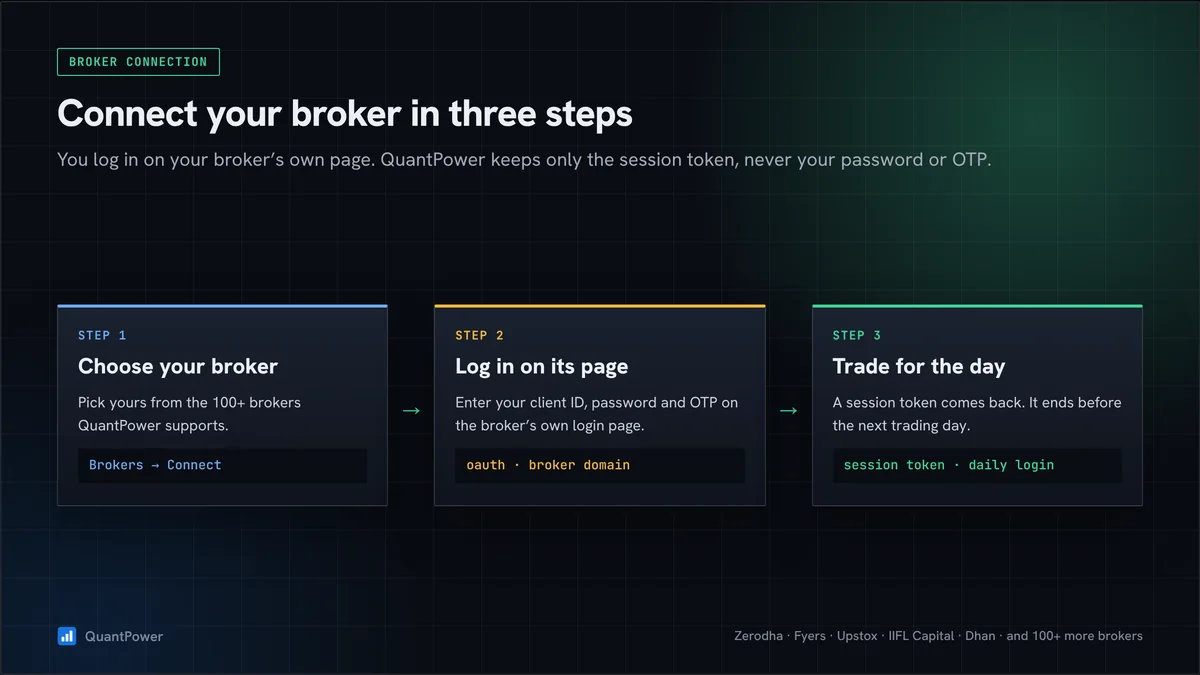
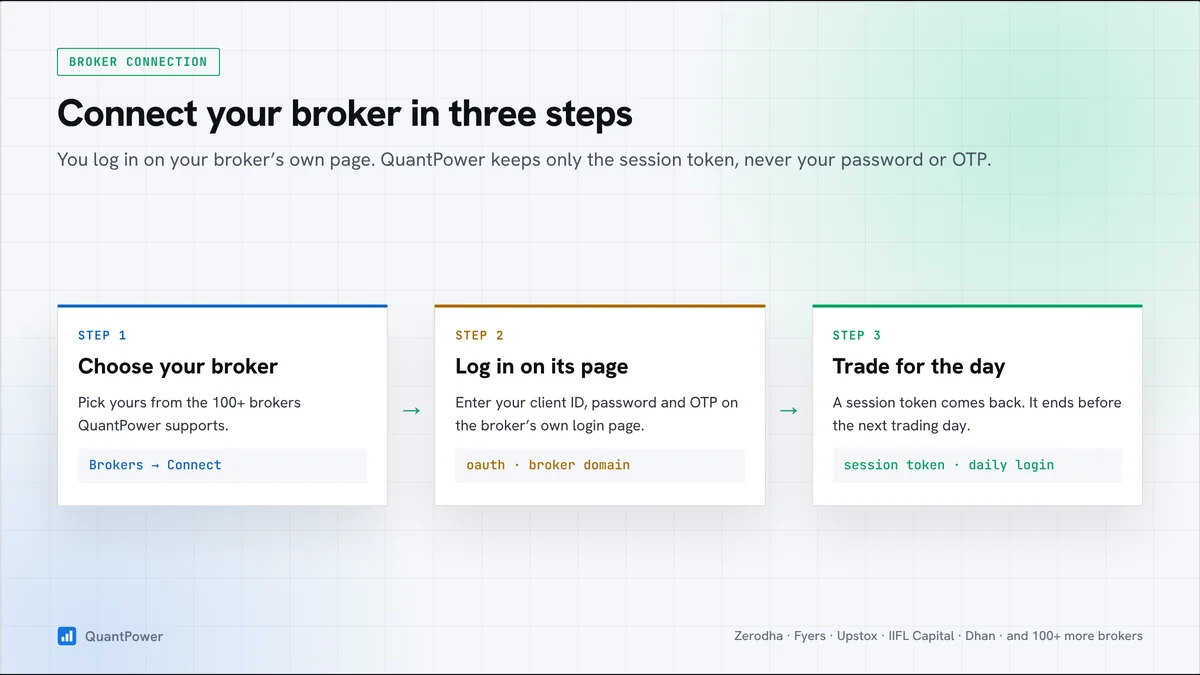
These are the broker connection requirements for QuantPower: what must be ready at your broker before the first login, and what you repeat every trading day. Most of the list comes from SEBI's framework for retail algo trading, which every broker has applied since 1 April 2026, so it is much the same at every broker.
What you need
- A trading account with a verified Available connection: check the current list.
- The segments you trade, activated: F&O for index and stock options and futures, and the commodity segment for MCX.
- API access and a market data plan at your broker, where it charges for live prices.
- The account/API access required by the connection, confirmed with your broker.
- For client-hosted execution: your own registered static IP. Broker-hosted execution uses broker infrastructure.
- Two-factor authentication on your broker login, set up on your phone.
- Strategies within the order-rate limit: your own algos must send fewer than 10 orders a second.
- A QuantPower plan with the features you want, and enough margin in your broker account for your positions.
Each of these broker connection requirements is explained below. Your funds and securities stay with your broker throughout; connecting a platform does not move money anywhere.
Segments: F&O and MCX
Your broker must activate each segment before it accepts orders in it, whether you place them by hand or through an API. For F&O, brokers ask for proof of income or net worth, such as a bank statement, salary slip or ITR, and for your acceptance of SEBI's risk disclosure on derivatives. The commodity segment for MCX is a separate activation. Ask for both well before the day you plan to start, and check that they show as active in your broker's app.
API access and market data costs
Placing orders through an API is free at every supported broker. Market data is where they differ, and live prices in QuantPower come from your own broker account, so your broker's data charge applies to you.
| Broker | Order and account APIs | Live and historical market data |
|---|---|---|
| Zerodha (Kite Connect) | Free (Personal plan) | ₹500 a month per API key |
| Upstox | Free | Free |
| Fyers | Free | Free |
| IIFL Capital | Free | Free |
| Wisdom Capital | Free | Free |
Zerodha's free Personal plan covers orders and positions but not live prices, so Zerodha users need the paid Kite Connect plan. From October 2026, Zerodha credits the next month's ₹500 to Kite Connect users who generate ₹2,000 or more in brokerage in a month; the Zerodha algo trading page covers the setup. Charges were checked on 20 October 2026, so check your broker's current terms. Our report on the best broker for algo trading also compares brokerage.
Your own API key
Under SEBI's framework there are no open APIs: each client uses an API key issued to them, with a matching secret. You create it on your broker's API or developer page, where you also register your static IP. At Zerodha this is the Kite Connect developer account, and at Angel One the SmartAPI dashboard.
Treat the secret like a password. Anyone who asks for it in a chat group, or offers to set up your API for you, is a warning sign. QuantPower places your orders with your own key, so every order is traceable to you. You paste the API key and secret into QuantPower's settings once, then log in to your broker each trading morning.
Client-hosted execution: a static IP of your own
The following static-IP setup applies to the client-hosted route; broker-hosted execution does not require the client to obtain a static IP. Confirm the current API/IP requirements with your broker:
- One IP, plus an optional backup. You register a primary IP and may add a secondary one.
- Changes are limited. Exchange rules allow one change a calendar week, except in an emergency.
- Family can share. Your spouse, dependent children and dependent parents may use the same IP, with your broker's approval.
- The check is on orders. At Zerodha, for example, only order requests must come from the registered IP; prices and positions load from any address.
Strategies run on broker infrastructure or the client’s own static IP setup, not Wisdom Tree Ventures servers. The required host and broker session must remain available; check your connection before relying on unattended operation.
Daily login with two-factor authentication
Every broker ends API sessions before the next trading day, as SEBI's framework requires. Each morning you log in to your broker from QuantPower: the broker's own page opens, and you enter your client ID, password and two-factor code there, from an authenticator app or an OTP. Your password and code go only to the broker.
- Log in before the first entry. A strategy scheduled before you log in will not place its orders.
- Keep your phone's clock on automatic time, or authenticator codes may fail.
- Check that funds appear. If they show as zero after login, the login did not complete, so connect again.
Order-rate limits
Strategies you build for your own account must stay below 10 orders a second. Above that rate an algo must be registered through your broker and carry its own Algo ID, and brokers reject orders from unregistered algos that cross the line. Brokers can also set their own caps per second, per minute and per day, and on how often one order can be modified.
Rule-based strategies rarely come near these limits, but three habits keep you clear of them:
- Space out the legs of a multi-leg entry instead of sending them in the same instant.
- Count the slices. Each slice of a large order is a separate order.
- Avoid rules that modify an order on every tick.
On the first day
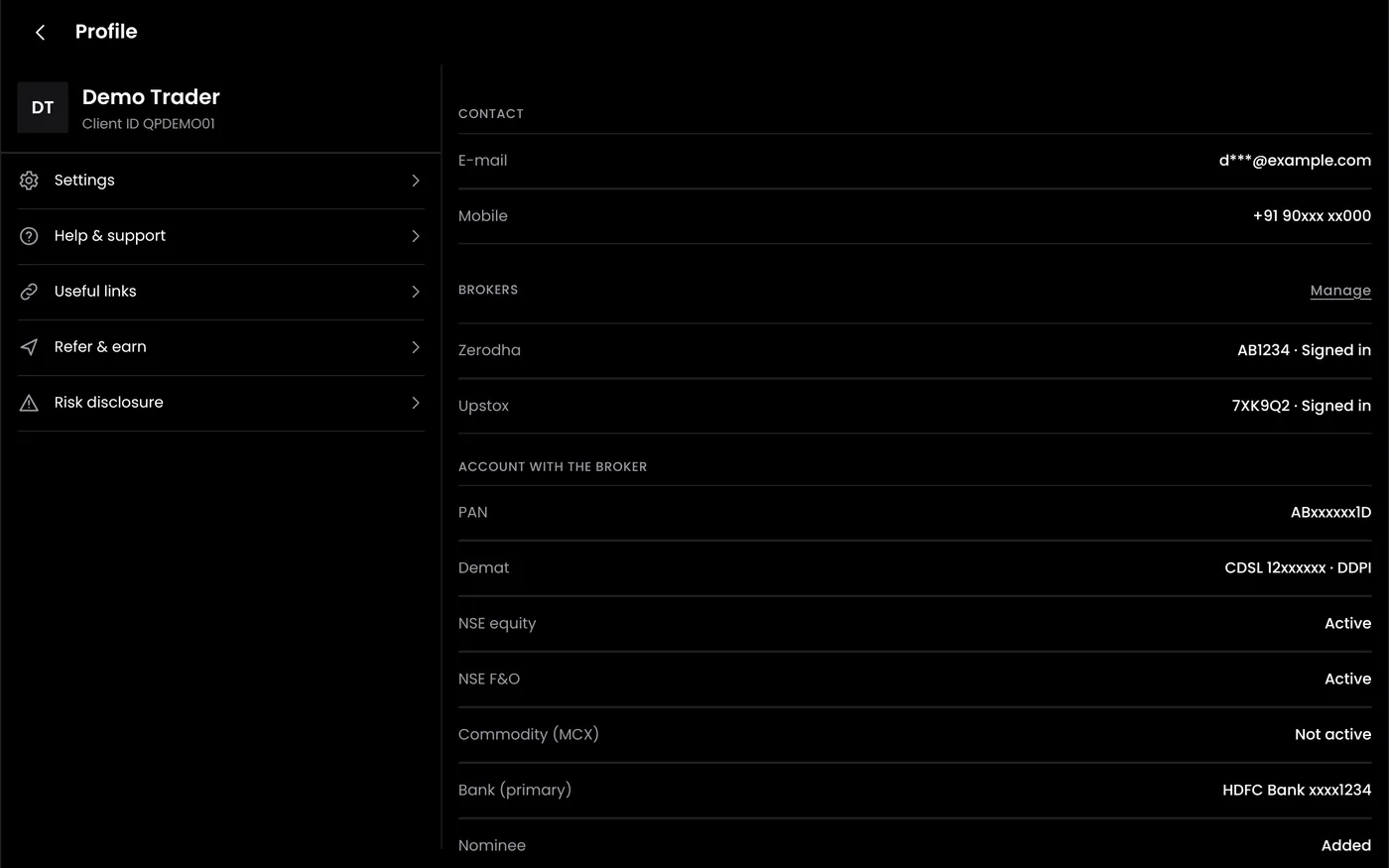
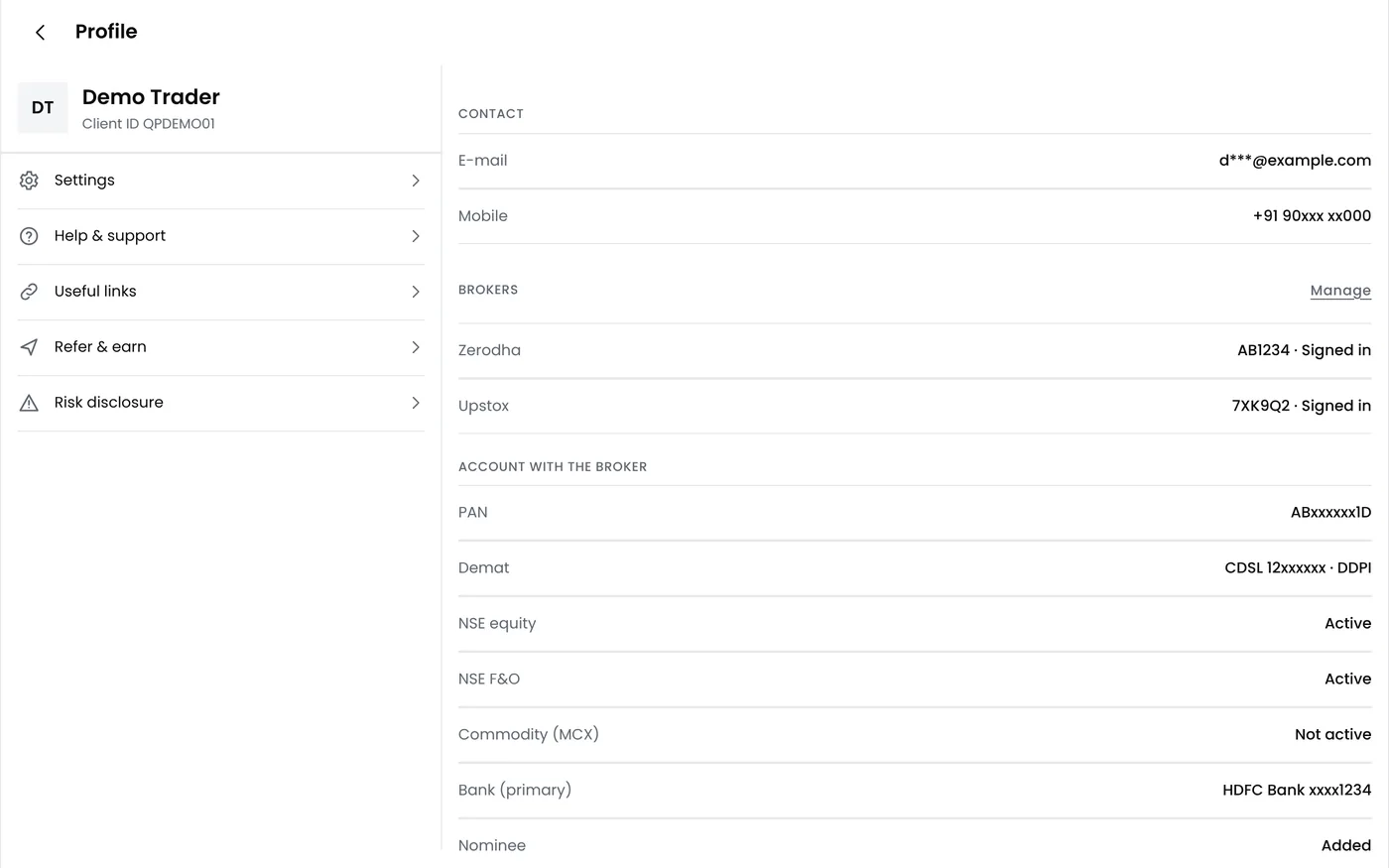
- Open broker settings in QuantPower and choose your broker.
- Log in on the broker's page and approve access.
- Check your account: funds, holdings and positions should appear.
- Confirm the registration: confirm the broker-hosted setup, or your API key and registered static IP for client-hosted execution.
- Start in paper mode. Run your first strategy with virtual money before it trades live.
Plans
The QuantPower Standard plan is free during the Beta (₹299/month after); Professional is ₹499/month and Ultimate ₹999/month, GST extra. See pricing. GST at 18% is added to plan prices. Broker API and data charges are separate and paid to your broker.
Related guides
- Best broker for algo trading: API costs, brokerage and rules compared
- Zerodha algo trading: connecting a Zerodha account step by step
- Algo trading for sub brokers: what authorised persons may and may not do
- Security algo trading: what a broker connection can and cannot do
- Troubleshooting algo trading: fixes for login and order problems
Start your free trial
Connect your broker, build a strategy and test it on paper before a single live order goes out.
Frequently asked questions
Where do I get a static IP?
If you use client-hosted execution, a fixed IP can come from an internet provider or an appropriate VPS. The registered address must match the order source. Broker-hosted execution does not require your own static IP.
Can my family use the same static IP?
Usually yes. Brokers let a spouse, dependent children and dependent parents share one registered IP, after a declaration or a request confirmed with two-factor authentication. Each person still logs in to their own account.
Why do my positions load but my orders fail?
At brokers such as Zerodha, only order requests are checked against your registered IP, so a missing or changed IP first shows up as rejected orders. Check the IP your broker has on record, then the order-rate limit and your margin.
Does the static IP rule apply to orders I place by hand?
No. It applies to orders sent through an API. Orders you place yourself in your broker's own app or website need no registered IP.
Can I manage other people's accounts?
No. Your API key is for your own account, and a shared IP only for your family as SEBI defines it. Trading for clients needs SEBI registration, for example as a portfolio manager.
Sources
- SEBI, circular on safer participation of retail investors in algorithmic trading, 4 February 2025, and glide-path circular, 30 September 2025 (sebi.gov.in)
- NSE, implementation standards for retail algo trading, 5 May 2025, and operational modalities, 22 July 2025 (nseindia.com)
- Zerodha, "What are the charges for Kite APIs?" (support.zerodha.com), and Kite Connect forum, "Preparing to comply with SEBI's retail algo rules", on static IP and order rates (kite.trade) (checked 20 October 2026)
- Zerodha, Upstox, Fyers, IIFL Capital, Wisdom Capital: published API pricing and support pages (checked 20 October 2026)