
Sensibull vs QuantPower at a glance
| Sensibull | QuantPower | |
|---|---|---|
| Main use | Options analysis and trades you place yourself | Options analysis, backtesting and automated trading of your own rules |
| Option chain and open interest | A core part of the product, with IV charts and FII and DII data | Advanced option chain and futures analysis |
| Strategy building | Strategy builder for planning a trade | No-code strategy builder whose rules can run as algo bots |
| Testing a strategy | Draft portfolios that track a strategy's P&L before you trade | Backtesting on past data, then paper trading on live prices |
| Automation | Built for trades you place yourself | Algo bots, signal trading and an MTM stop loss |
| Brokers | Zerodha, Upstox and ICICI Direct | 100+ Indian brokers, including Wisdom Capital, Zerodha, Upstox, Fyers and IIFL Capital |
| Price | Free for Zerodha customers; Free or Pro plan on other brokers | Standard free during the Beta; see pricing |
| Who it suits | Manual options traders, especially on Zerodha | Traders with fixed rules who want them to run automatically |
Options analysis compared
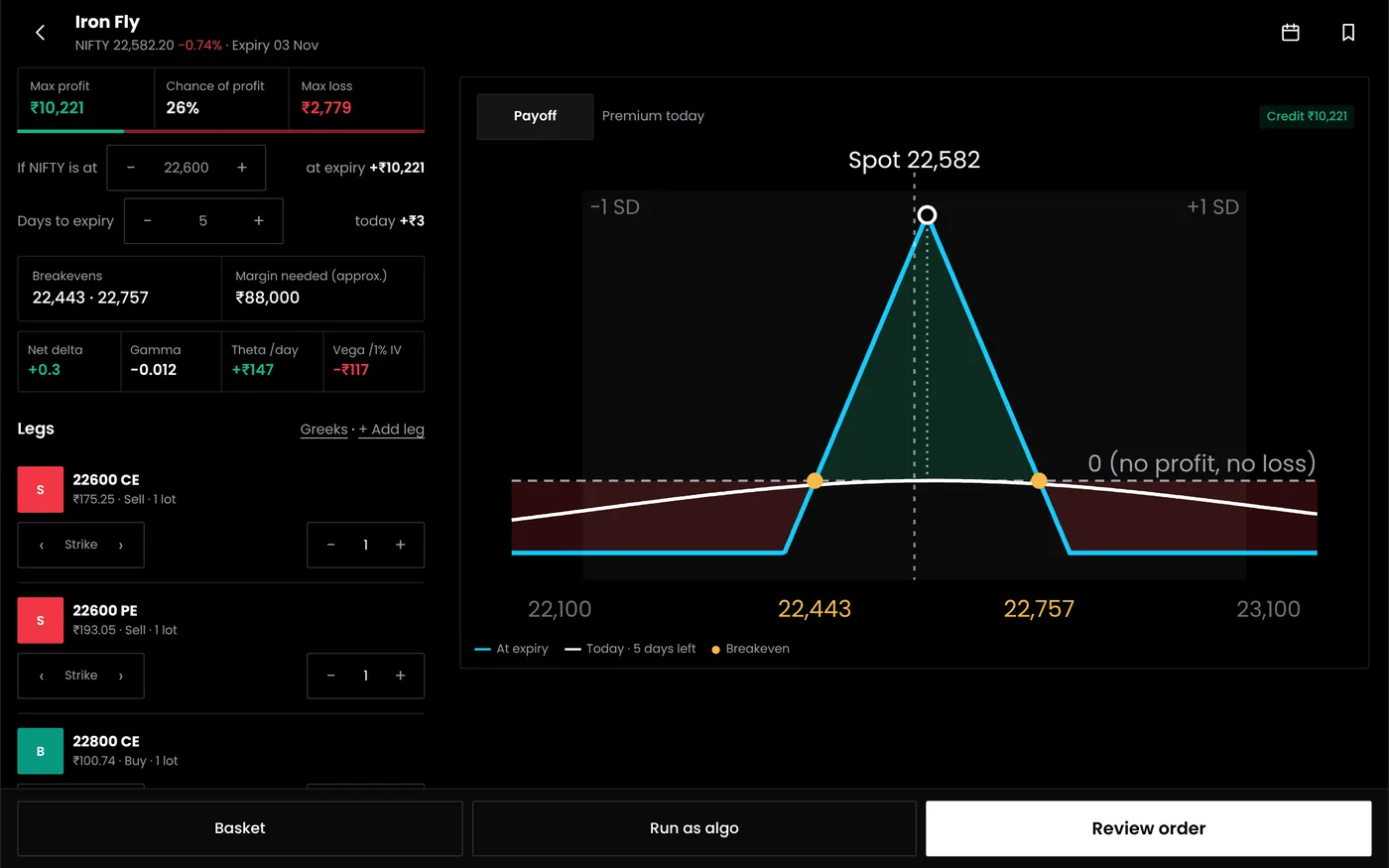
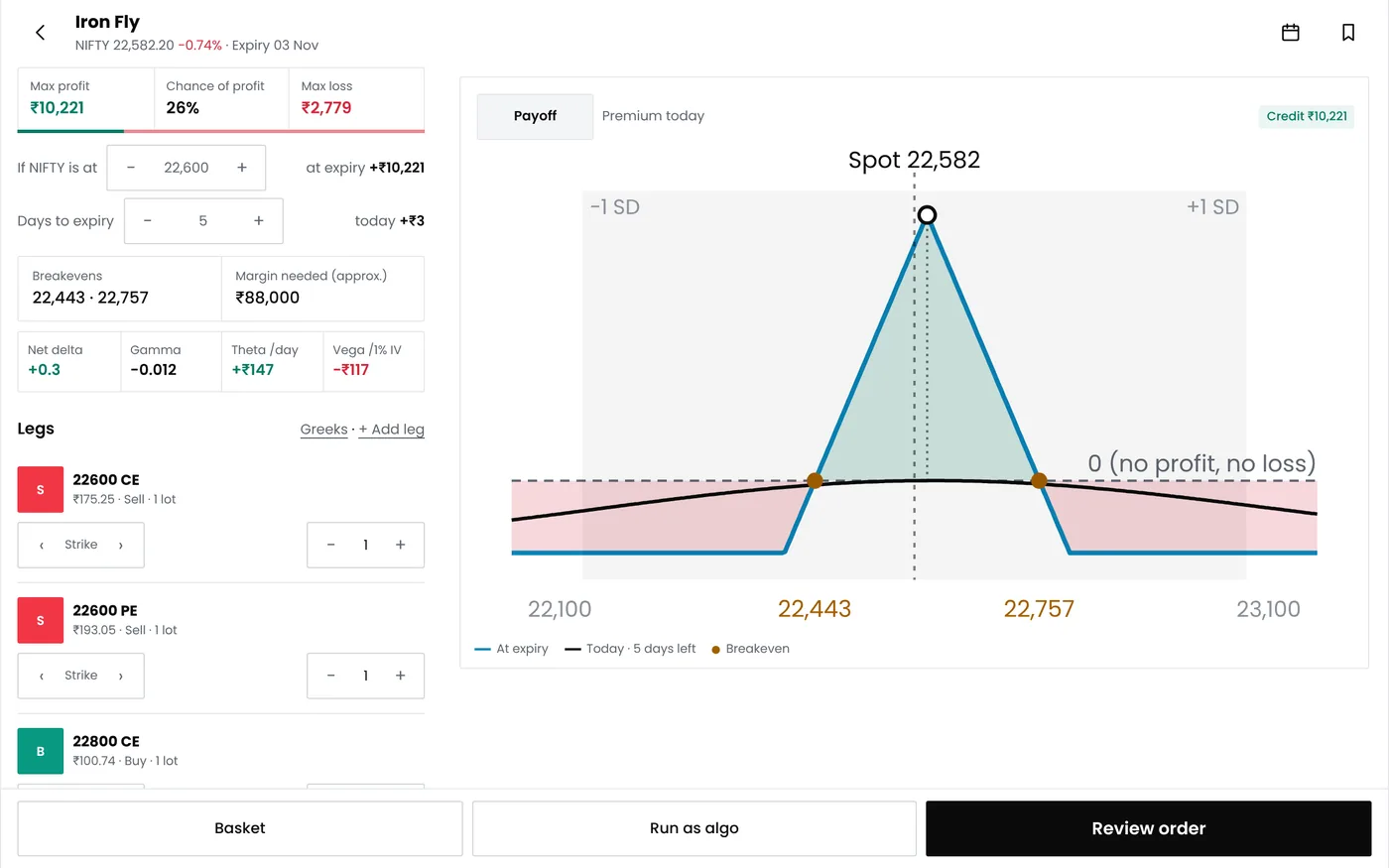
Both platforms start from the option chain. Sensibull builds its product around it: open interest changes, IV charts, FII and DII data and an options screener help you form a view and pick strikes. The QuantPower Standard plan is free during the Beta (₹299/month after); Professional is ₹499/month and Ultimate ₹999/month, GST extra. See pricing.
The difference is what happens after you form a view. In Sensibull, you place the trade yourself and manage it by hand. In QuantPower, you can turn the view into rules, test those rules on past data and live prices, and then let them run on your broker account.
Pricing
Sensibull is free for all Zerodha customers, as Zerodha and Sensibull have announced. With Upstox or ICICI Direct, you choose between a Free plan with fewer features and the Pro plan, listed at ₹800 for one month on 20 October 2026. Longer Pro plans, at a lower monthly rate, are offered to Angel One and Upstox users.
QuantPower has three monthly plans:
| Plan | Monthly price | Main features |
|---|---|---|
| Standard | Proposed ₹299, GST extra | Final allowance pending; see pricing |
| Professional | Proposed ₹499, GST extra | Final allowance pending; see pricing |
| Ultimate | Proposed ₹999, GST extra | Final allowance pending; see pricing |
QuantPower prices exclude GST. The pricing page also offers yearly billing, and there is a free trial.
The Standard plan is free during the Beta; see pricing for each plan's daily allowances. From October 2026, Zerodha credits the next month's fee to users whose brokerage reaches ₹2,000 in a month. So for a Zerodha user, the fair comparison is Sensibull at no cost against a QuantPower plan plus the Kite Connect fee. The extra cost buys automation, backtesting and signal trading, so it makes sense only if you will use them.
How automated orders work in QuantPower
QuantPower is trading software. It is not a broker or an adviser, and it gives no tips or buy and sell calls. Each strategy is your own set of rules, and every rule stays visible to you.
When a strategy runs, orders go from your own broker account through the broker's official API, using your own API key, from a static IP registered with your broker. You log in to your broker each day with two-factor authentication before anything trades. Self-built strategies stay under the order-rate limit SEBI sets for them, fewer than 10 orders a second, and your funds and securities stay with your broker throughout.
Using both together
The two can sit side by side. You might study open interest and form a view in Sensibull, then run a rule-based strategy for the same idea in QuantPower. If both work on the same broker account, avoid changing a position by hand while a QuantPower strategy manages it, because the strategy's exits assume the position it opened.
If you are also weighing other tools, the Sensibull alternative guide covers the wider field.
Which to choose
| If you | Consider |
|---|---|
| Trade options by hand with a Zerodha account | Sensibull |
| Want open interest, IV and FII data before each trade | Sensibull |
| Follow fixed rules and want them to run automatically | QuantPower |
| Want to backtest and paper trade a strategy before going live | QuantPower |
| Want orders placed from TradingView alerts | QuantPower |
Moving a strategy to QuantPower
- Write it down. Note the legs, strikes, entry time and exit rules you follow today.
- Connect your broker. Create your own API key with your broker and register your static IP with it.
- Rebuild the rules in the strategy builder.
- Backtest them to see how they would have done on past data.
- Paper trade for a few weeks on live prices, using QuantPower's paper trading platform for options.
- Go live small, with an MTM stop loss in place.
Related guides
- Sensibull alternative: other platforms Sensibull users look at
- Option strategy builder: building options strategies without code
- Backtesting: testing rules on past data
- Zerodha algo trading: connecting a Zerodha account to QuantPower
- QuantPower vs other platforms: every comparison in one place
Start your free trial
Connect your broker, build a strategy and test it on paper before a single live order goes out.
Frequently asked questions
Does Sensibull run automated strategies?
Sensibull is built mainly for analysing options and placing trades yourself. To have your own rules enter and exit trades automatically, you need an algo platform such as QuantPower, connected with your own broker API key.
What does QuantPower cost a Zerodha user?
The plan price, from ₹299 to ₹999 a month plus GST, and Zerodha's Kite Connect fee of ₹500 a month per API key for live prices. From October 2026, Zerodha credits that fee back to users whose monthly brokerage reaches ₹2,000.
Which suits a beginner in options?
If you are still learning how options behave and you trade with Zerodha, Sensibull's free analytics are a sensible place to start. The Standard plan is free during the Beta; see pricing for each plan's daily allowances.
What do I need to automate a strategy in QuantPower?
A plan with algo bots, an account with a supported broker, your own API key from that broker and a static IP registered with it. You also log in to your broker each day with two-factor authentication.
Do Sensibull and QuantPower both offer virtual trading?
Yes, in different forms. Sensibull's draft portfolios track a strategy's prices and P&L before you trade, and QuantPower has paper trading that runs single trades or whole strategies on live prices without real orders.
Sources
- Zerodha, Z-Connect: "Sensibull is now free for all our customers", 24 July 2023 (checked 20 October 2026)
- Sensibull: plans, brokers and features on sensibull.com (checked 20 October 2026)
- Zerodha: Kite Connect API charges and credits for active users from October 2026, on support.zerodha.com (checked 20 October 2026)
- QuantPower: plans and features on the pricing page (checked 20 October 2026)
- SEBI: circular on safer participation of retail investors in algorithmic trading, 4 February 2025