
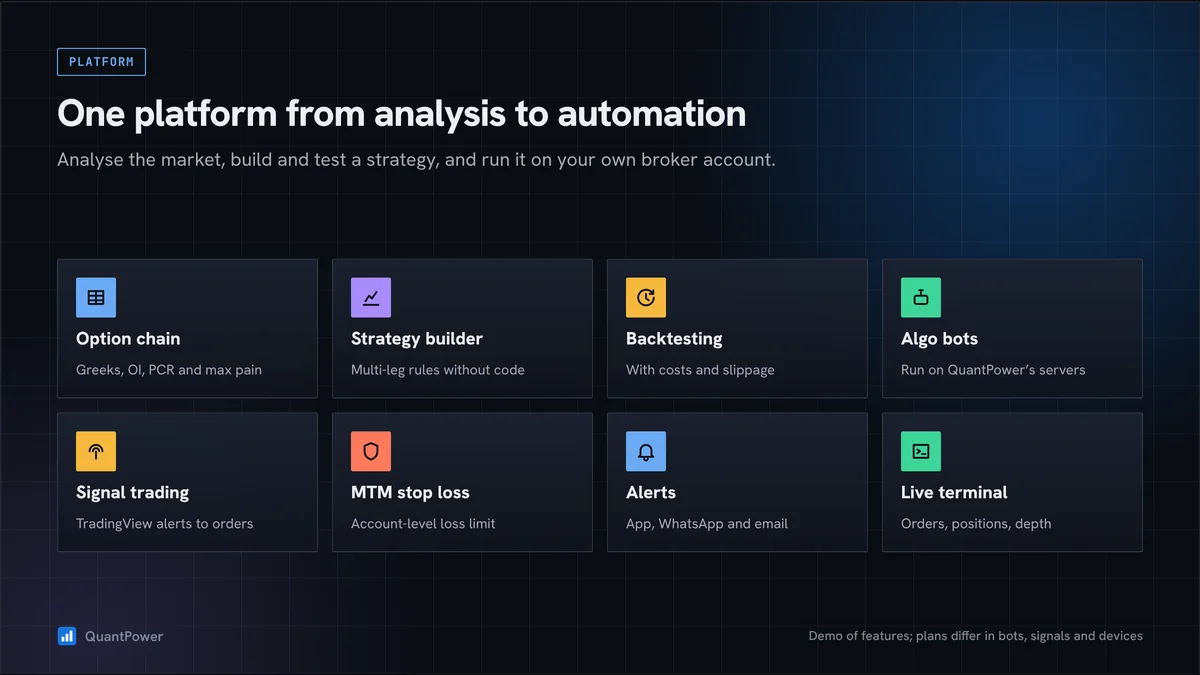
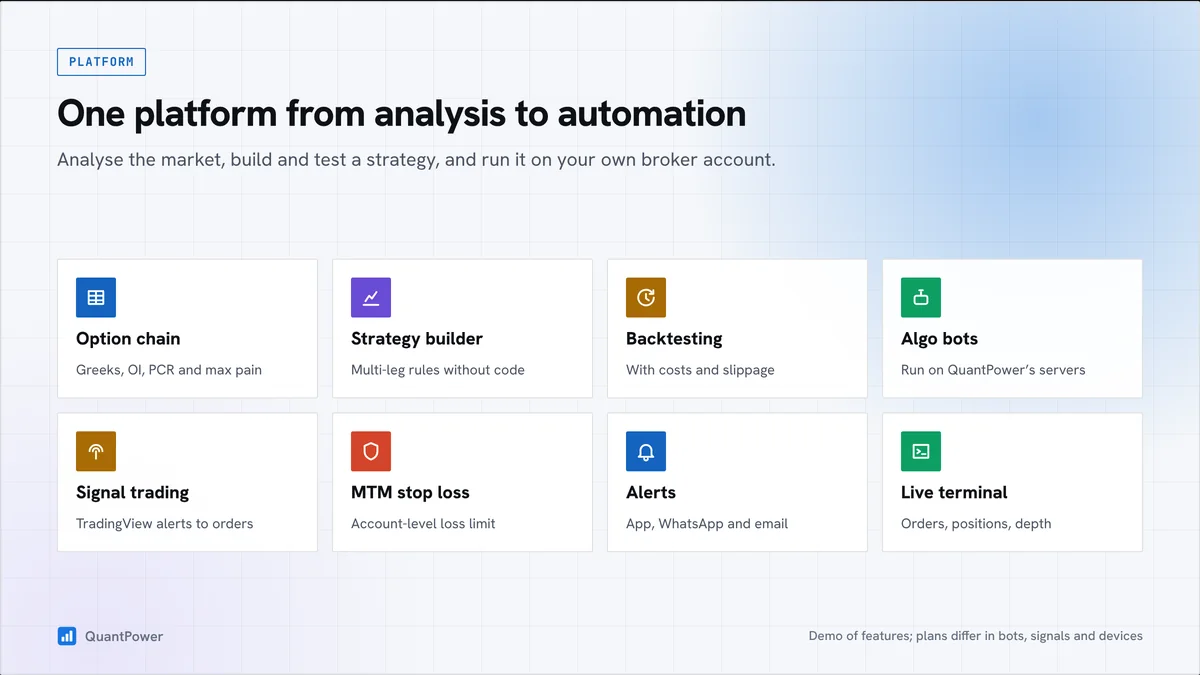
This page explains what the platform covers, how a typical workflow runs, which brokers it connects to, how it handles risk and security, and what it costs.
What the platform covers
| Area | What you can do |
|---|---|
| Option chain and analytics | Live chain with IV, Greeks, OI and change in OI for Nifty, Bank Nifty, Sensex and other supported instruments |
| Strategy builder | Build single and multi-leg strategies with entry, exit and adjustment rules, without code |
| Option profit calculator | See the payoff, breakevens, Greeks and maximum loss before you trade |
| Backtesting | Test rules on historical data with costs |
| Paper trading | Run a strategy on live prices without real orders |
| Live trading terminal | Place and manage orders, with baskets and multi-leg orders |
| MTM stop loss | Exit all positions at a set loss or profit for the day |
| Signal trading | Trade from indicator rules or TradingView alerts |
| Futures analysis | Price and OI changes with buildup types |
| Multiple charts | Several charts and timeframes side by side |
| Iceberg orders | Split large orders into smaller slices |
| Market alerts | Alerts on price, indicator and option conditions |
A typical workflow
- Read the market. Open the option chain to see where open interest is building, the ATM IV and the expected move. See option chain analysis.
- Choose a structure. Pick a strategy that matches your view, such as an iron condor for a range or a bull call spread for a moderate rise, and select strikes by delta or distance.
- Check the risk. The payoff chart shows the maximum loss, breakevens and Greeks of the whole position.
- Set the rules. Add entry conditions, targets, stop losses, time exits and adjustments in the strategy builder.
- Test it. Backtest on past data, then run it in paper trading on live prices.
- Deploy it. Run it on your broker account with an MTM stop loss for the day, and monitor positions and Greeks live.
Built for Indian options
- Index options on Nifty and Bank Nifty (NSE) and Sensex (BSE), including weekly expiries on Tuesday (NSE) and Thursday (BSE).
- Stock options with physical settlement and monthly expiry. See stock options trading.
- MCX commodity futures and options. See MCX algo trading.
- Lot sizes and expiries follow exchange contract specifications. Set quantities in lots so strategies stay valid when lot sizes are revised.
Multi-leg orders and margin
Set the bought legs of a multi-leg strategy to go first, so your broker sees a hedged position and applies the hedge margin benefit. Check the margin your broker shows for the whole strategy before you deploy it.
Risk controls
- MTM stop loss and target across all positions, per strategy or for the day
- A single control to pause all automation
- Time exits for intraday and expiry-day strategies
- Position monitoring with live P&L and Greeks
- Paper trading for every strategy before going live
See options risk management for how to use them.
Brokers
QuantPower connects to your own account at Zerodha, Upstox, Fyers, IIFL Capital and Wisdom Capital. Your funds and positions stay with your broker. See the broker connection requirements.
Security and regulation
- You log in to your broker on the broker's own page. QuantPower stores only the session access token.
- QuantPower runs on your own computer or VPS, so your API key stays with you and orders go to your own broker account from the static IP you register with your broker. Keep that computer or VPS on and logged in to your broker during market hours while your bots run.
- The platform follows SEBI's framework for retail algorithmic trading. See SEBI rules on algo trading and broker connection security.
Web and mobile
QuantPower runs in Chrome, Edge, Firefox and Safari, with an Android app. On iPhone, use the web version in Safari. See the download page.
Start your free trial
Connect your broker, build a strategy and test it on paper before a single live order goes out.
Plans
The QuantPower Standard plan is free during the Beta (₹299/month after); Professional is ₹499/month and Ultimate ₹999/month, GST extra. See pricing. Strategy building, backtesting and automation come with higher plans. See the pricing page for what each plan includes.
Frequently asked questions
What is the best options trading platform in India?
It depends on what you need: analysis only, or building, testing and automating strategies. Our comparison of algo trading platforms covers the main options.
Can I trade options without coding on QuantPower?
Yes. The strategy builder sets entries, exits and adjustments as rules, without code.
Which brokers does QuantPower support?
Zerodha, Upstox, Fyers, IIFL Capital and Wisdom Capital.
Can I test a strategy before trading it live?
Yes, with backtesting on historical data and paper trading on live prices.
Does QuantPower hold my money?
No. Funds and positions stay in your broker account. QuantPower places orders through the broker connection you authorise.
Sources
- QuantPower product documentation and pricing page
- SEBI circular on safer participation of retail investors in algorithmic trading, 4 February 2025